Downloads

Support my work:

NDSTokyoTrim 3
V3: Complete rewrite of NDSTokyoTrim with added support for 3DS roms and NDS roms database.
V2+: A rom trimmer for Nintendo DS (NDS + GBA)
- Batch processing
- Recursive folder scanning
- Auto detection for Wifi games
- Auto detection of already trimmed games
- Auto fix of incorrect trimming from other trimmers
- Extremely fast
- Trims NDS and GBA roms, as well as DSi enhanced roms
- RAR/ZIP/7zip support
- It works for all the currently known cards for DS (R4, Acekard, M3, CycloDS, G6 etc..)
- Unicode support (filenames in japanese etc)
- Drop any kind of files and folders, it will detect and sort the right ones (nds,gba,zip,rar,7z,folders)
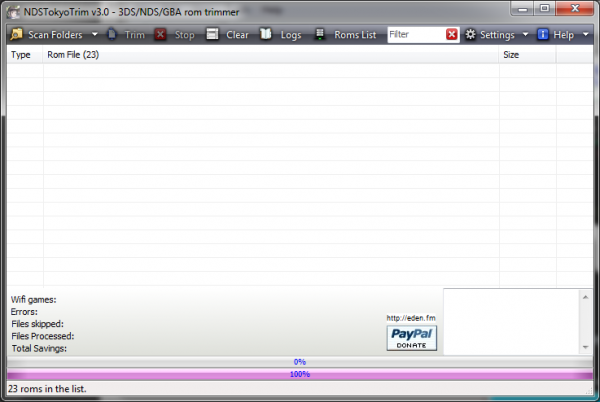
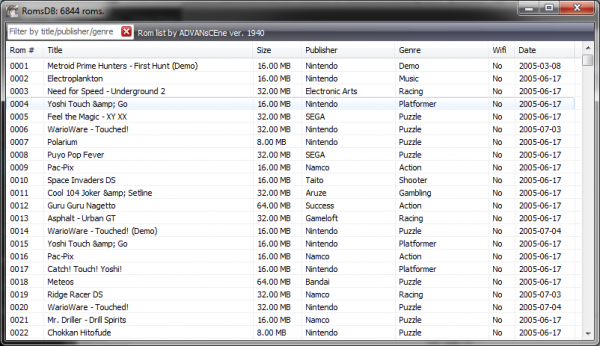
Supported roms: 3DS, NDS, GBA
GBATemp forum thread
Edenzilla
Native Clonezilla, Rescuezilla & disk image browser for Windows
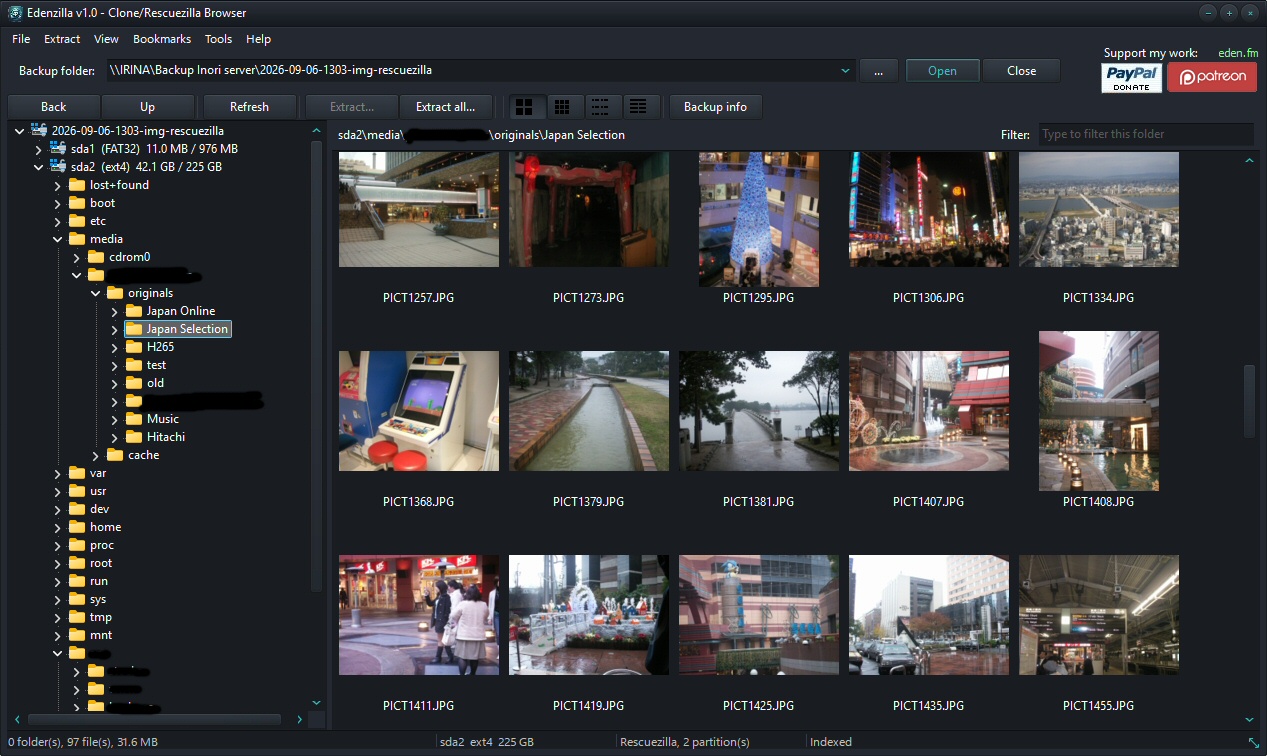
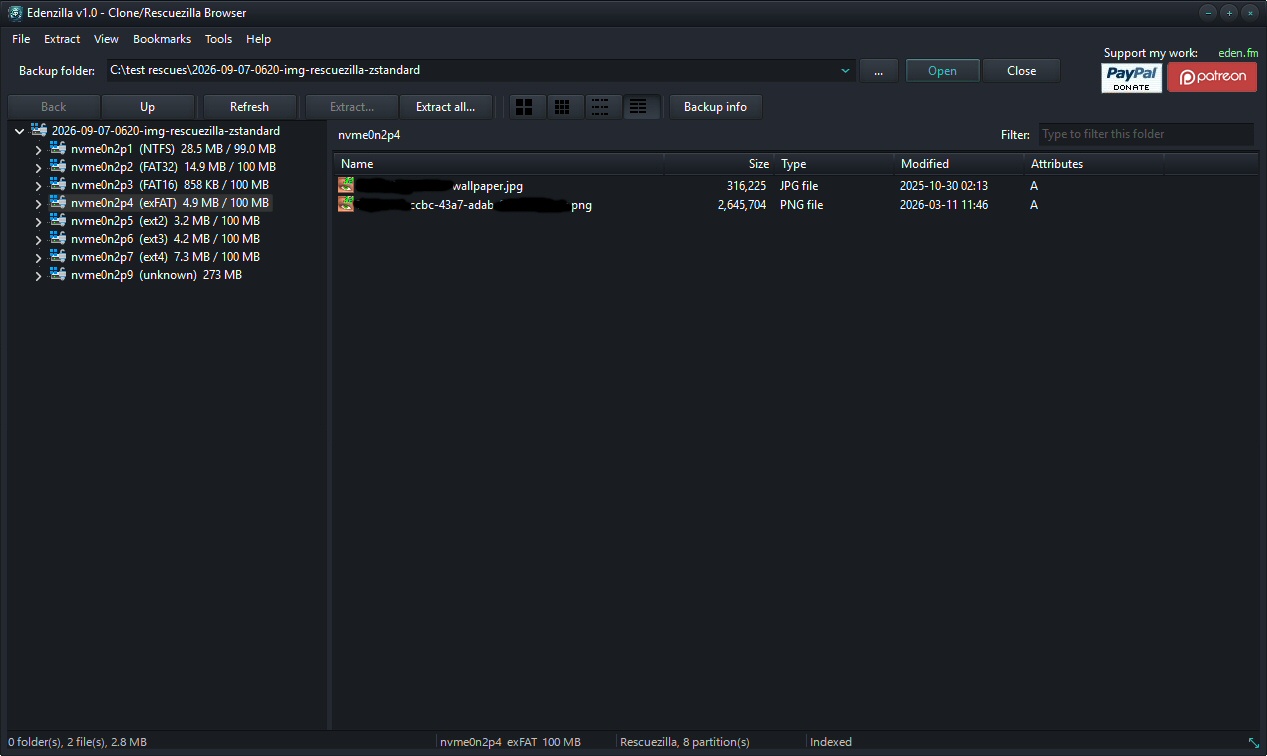
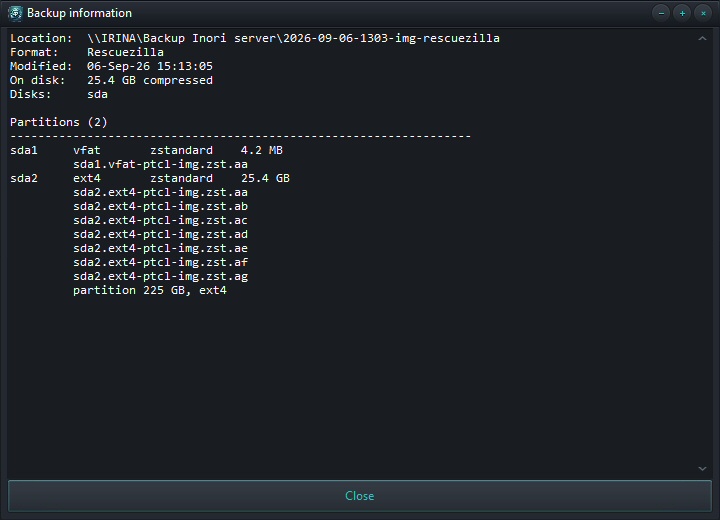
Edenzilla is a native Windows backup browser for Clonezilla and Rescuezilla images. Browse your backups, navigate their files and extract exactly what you need — without restoring the image or mounting the backup.
Edenzilla can also open standalone disk image files directly, making it useful for browsing and extracting files from a wide range of backup and disk-image formats.
Everything is handled natively.
Split image volumes are rejoined, compressed streams are decoded and indexed for random access, partclone containers are unwrapped, and the filesystem inside is read directly.
No drive is mounted. No filesystem driver is installed. No external program is required.
Features
- Browse Clonezilla and Rescuezilla backups
- Open standalone disk image files
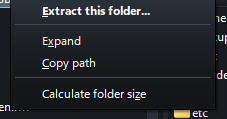
- Extract individual files and folders
- Rejoin split image volumes automatically
- Random access through indexed compressed streams
- Native partclone v1 and v2 support
- No mounting or virtual drives required
- No drivers required
- No external tools or command-line utilities required
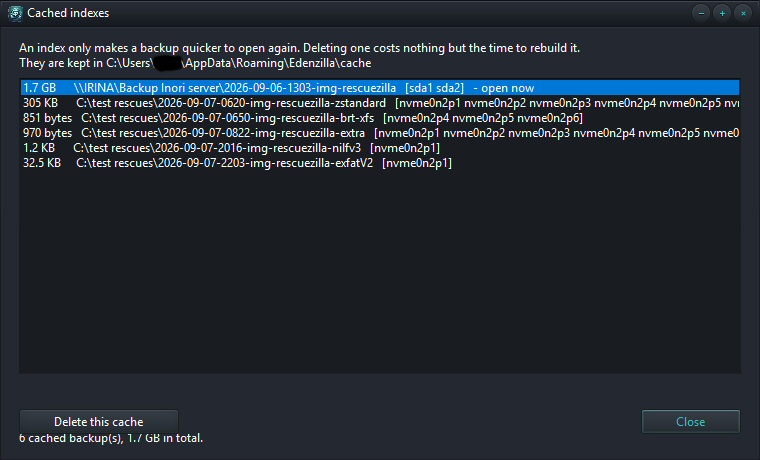
- Cached indexes for faster subsequent access
| Filesystems | Compression | Containers | Image Files |
|---|---|---|---|
|
|
|
|
Browse your backups like a normal drive — without restoring or mounting them.
My Chest
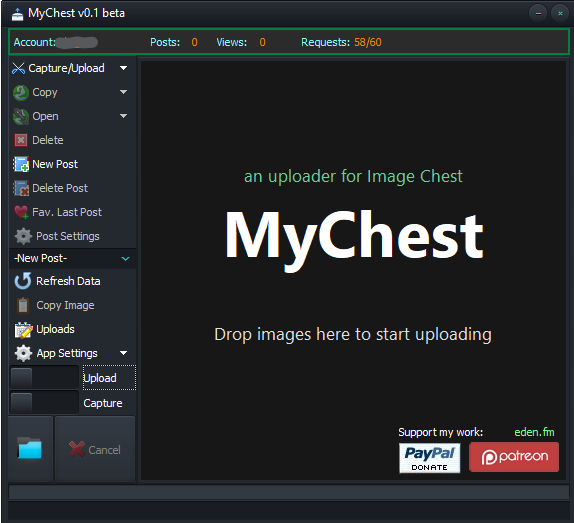
MyChest is a fast, lightweight capture and uploader tool for Windows, designed to make sharing screenshots and files with Image Chest as effortless as possible.
Capture an area of your screen, grab a specific window, paste an image from your clipboard, or simply drag files onto MyChest. With intuitive one-click actions and smart defaults, your images can be uploaded to Image Chest in seconds — individually or in batches, with no unnecessary steps.
MyChest is also the only desktop application with full Image Chest account integration, giving you direct access to your Image Chest posts and account features from your Windows desktop.
Features
- Full Image Chest account integration — upload to a selected post, create or delete posts, favorite your latest upload, and more.
- Wide format support — JPG, BMP, PNG, GIF, WebP, DDS, MP4, and more.
- Windows Explorer integration — right-click an image and choose Send to Image Chest.
- Batch uploads — drag multiple files onto MyChest and they are automatically queued and uploaded.
- Smart image optimization — automatically adjust image quality or dimensions to reduce file size and speed up uploads.
- Live screen capture — select and crop any area of your screen.
- High-quality PNG captures — capture your screen without compromising image quality.
- DirectX surface capture — capture content rendered directly through DirectX.
- Live window selection — select specific windows using live thumbnails.
- Clipboard support — paste images directly from the Windows clipboard.
- Global hotkeys — quickly access all major capture and upload functions from the keyboard.
- Upload history — keep a complete log of your uploads, including their online deletion URLs.
- Flexible capture modes — capture to disk, upload existing files, capture and upload simultaneously, or capture directly to the clipboard.
- Copy last image — instantly copy your most recent capture back to the clipboard.
- Native x64 application — no .NET Framework required.
- Portable version — run MyChest without installation.
API Limits
See the Image Chest API limits for current restrictions and quotas.
Disclaimer: The Image Chest name and logo are trademarks of Image Chest LLC and are used here for informational purposes only. MyChest is an independent, unofficial application and is not affiliated with, endorsed by, sponsored by, or officially approved by Image Chest.
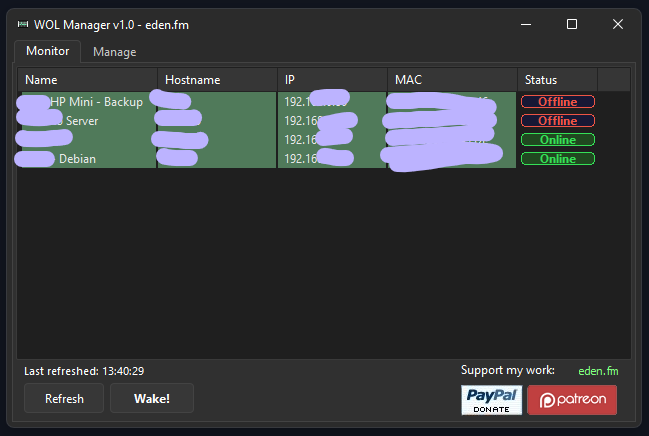
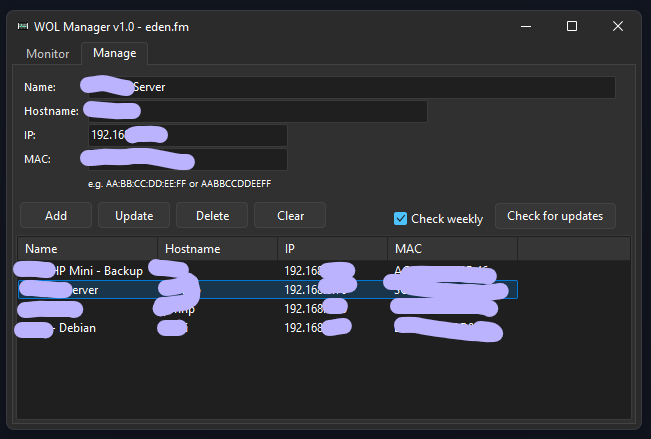
WOL Manager
- Little Wake-On-Lan manager app to wake your sleeping devices through WOL magic packet
- Single exe, no installer or any dependencies required
- A small "devices.xml" file will be created in the same folder the exe resides.
LiteCAM Alpha
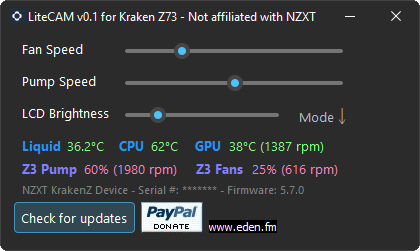
- Lightweight replacement for NZXT’s CAM application for controlling AIO Kraken Z devices.
- Device support: Kraken Z (only Z73+Elite tested), nVidia GPUs.
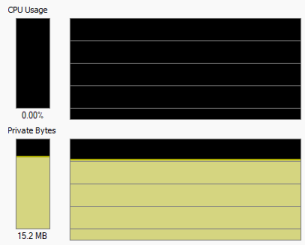
- Single EXE file, no install required, no .NET. Approx. 15 MB ram usage, <0.1% cpu.
- For CPU temp. you need to be running CoreTemp. CAM must be closed before you start LiteCAM.
- Only manual control in this first alpha version. Automatic fan curves coming with future updates.
Disclaimer: The NZXT logo and “NZXT” are trademarks of NZXT Inc. and are used here for informational purposes only. LiteCAM is not affiliated with NZXT and has not been reviewed or officially approved by NZXT.
Mame Rom Tools
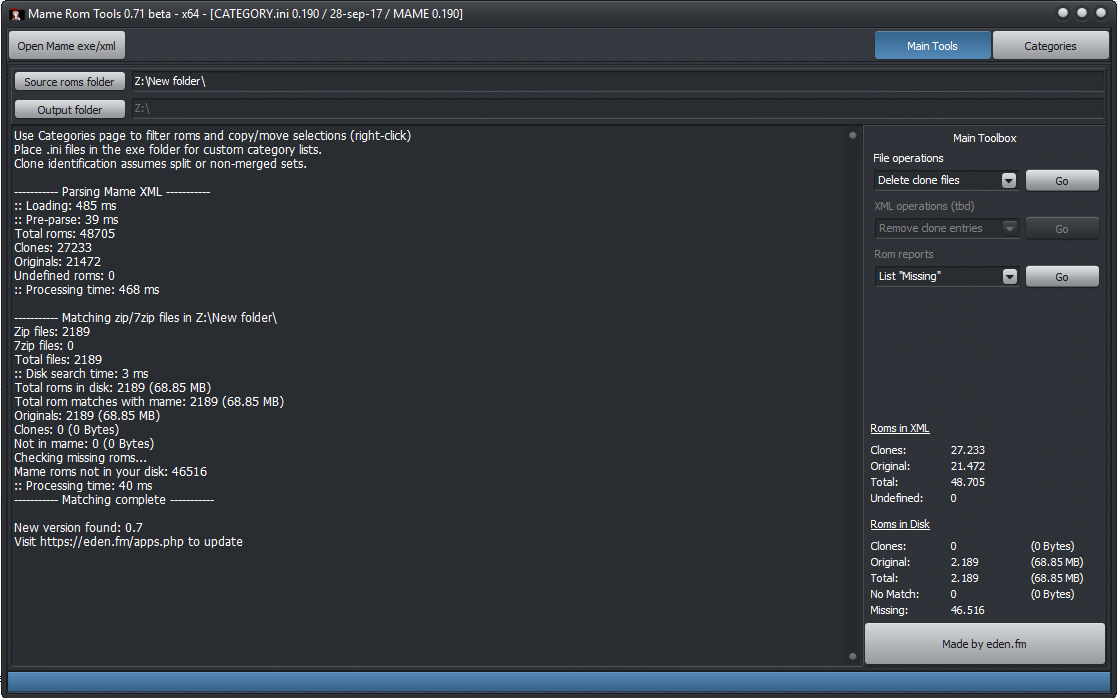
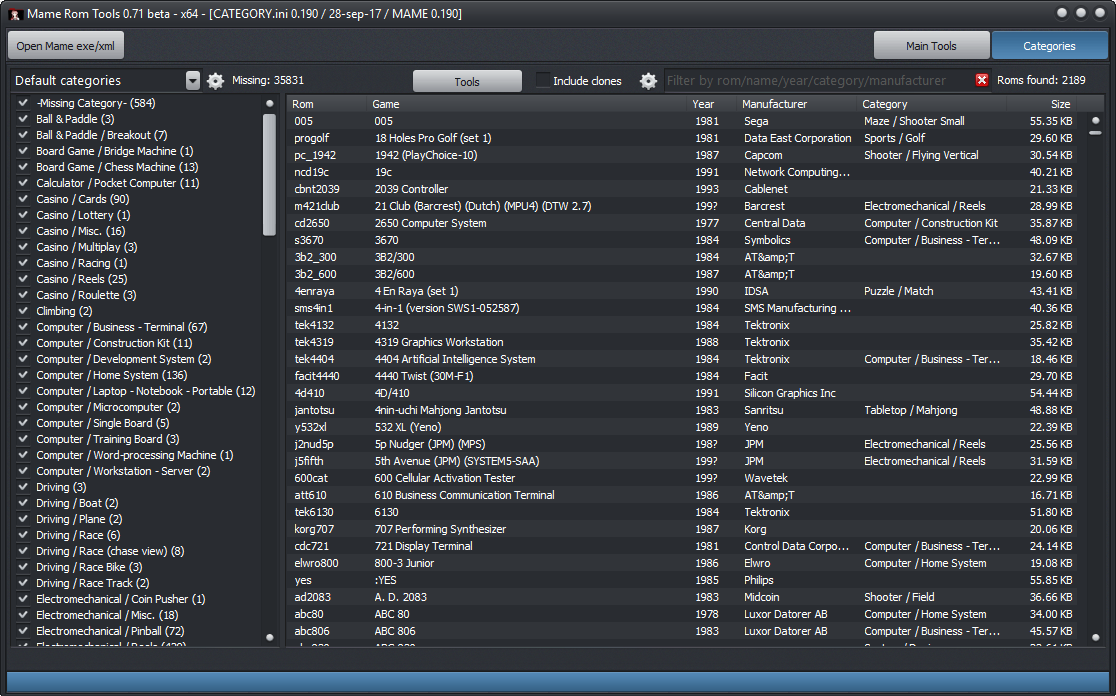
Little tool to manage mame rom clones and quickly copy a filtered selection of roms by categories, manufacturer etc. Made it when I couldn’t find an easy/simple way to delete the clones files. With this you can very easily move the unneeded roms out or delete them or simply copy your favorite categories to another folder.
“How’s it better than RomCenter” and similar apps?”
- Simple portable exe file, it doesn’t need half a GB just to display roms list (RC)
- Lightning fast, parse DB in like a second (RC takes like half an hour)
MyImgur
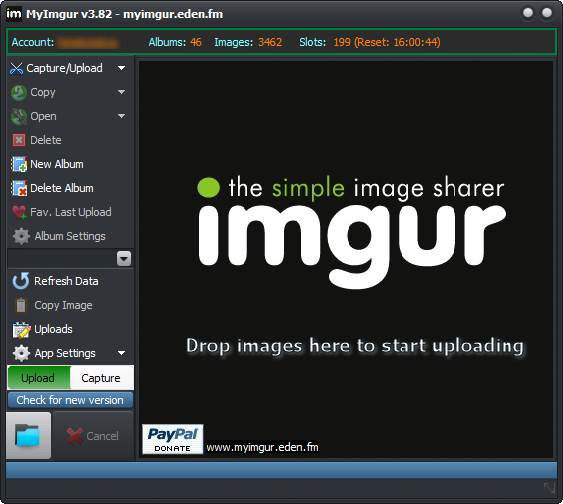
MyImgur is a fast, lightweight capture and uploader tool for Windows. Capture an area of your screen or a specific window with a single click and send it directly to Imgur, or drag and drop multiple files for automatic batch uploading. It is also the only desktop application with full Imgur account integration.
- Full Imgur account support: upload to a selected album, create/delete albums, delete all pictures from an album, favorite the last upload, and more
- Formats supported: JPG, BMP, PNG, GIF
- Context-menu shell extension: right-click any picture and select Send to Imgur (x86/x64)
- Batch uploads: drag and drop multiple pictures and they are automatically queued
- Smart settings: automatically adjust picture quality or size for faster uploads
- Crop live areas of the screen
- High-quality PNG captures
- Capture DirectX surfaces
- Select specific windows to capture through Aero Thumbnails
- Paste images directly from the clipboard
- G15/510 Logitech keyboard LCD applet
- Hotkey support for all features
- Upload log: keep a record of all uploads, including their online delete URLs
- Multiple capture modes: capture and store to disk, upload only, capture + upload, or capture to clipboard
- Copy the last image to the clipboard
- Native Win32 code: does not require the .NET Framework
- Portable version available
API limits: 50 uploads per hour
Disclaimer: The Imgur logo and “IMGUR” are trademarks of Imgur LLC and are used here for informational purposes only. MyImgur is an independent, unofficial application and is not affiliated with, endorsed by, sponsored by, or officially approved by Imgur.
MySolusVM
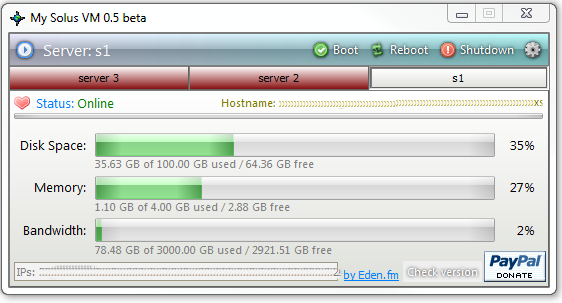
Little desktop client to monitor the status of your server if you have a SolusVM control panel, for both VPS and Dedicated.
If you would like a customized version with your own company logo and our links removed, we can do this for a small donation. Please use the contact form for details.