MAME Rom Tools 0.6 update
November 1st, 2022
No comments
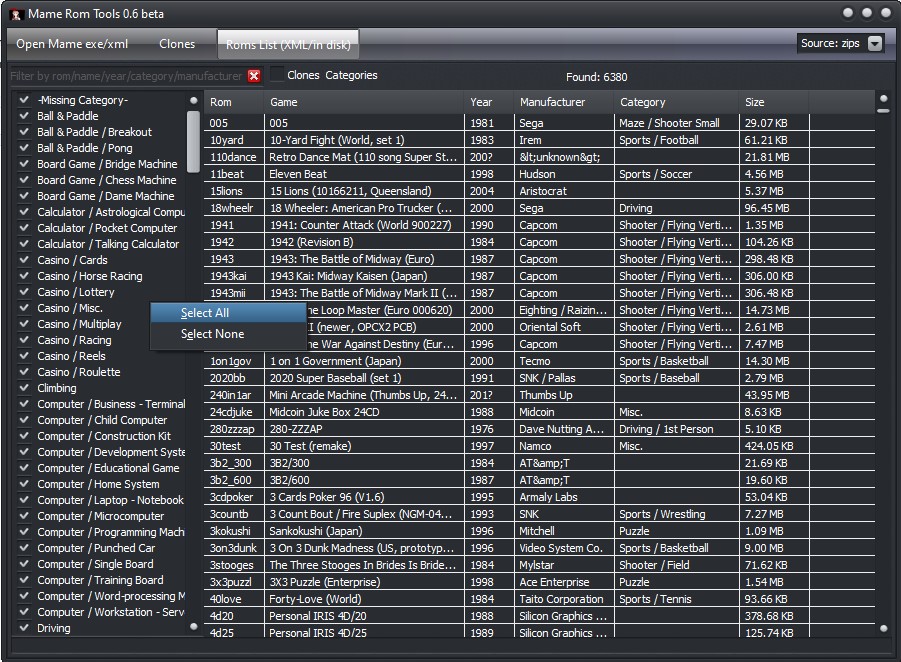
Update 0.6: Nov 01, 2022
- Some fixes, selectable rom categories for quick batch operations
Categories: Delphi stuff, Software

Update 0.6: Nov 01, 2022
Donations: https://paypal.me/edenfm
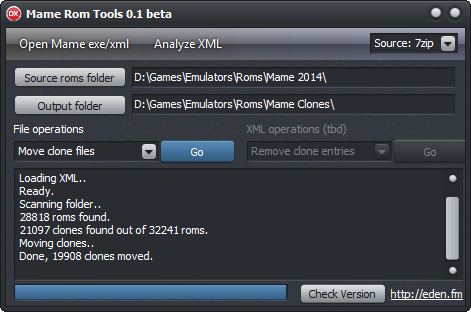
v0.01 alpha version for testing, first release.
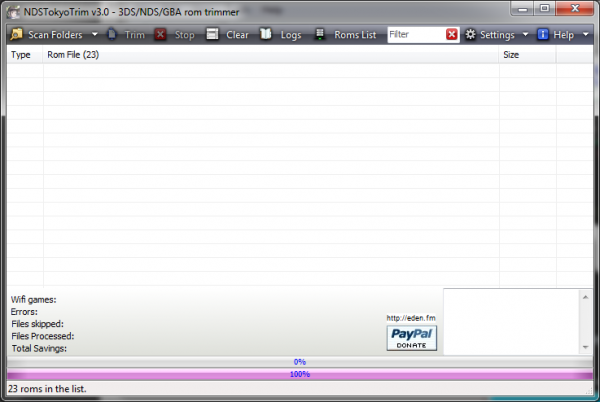
New update https://eden.fm/ndstoykotrim/

Join my discord server for support: https://discord.gg/YWaTUGbwZh
New version: https://eden.fm/ndstoykotrim/
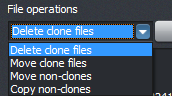
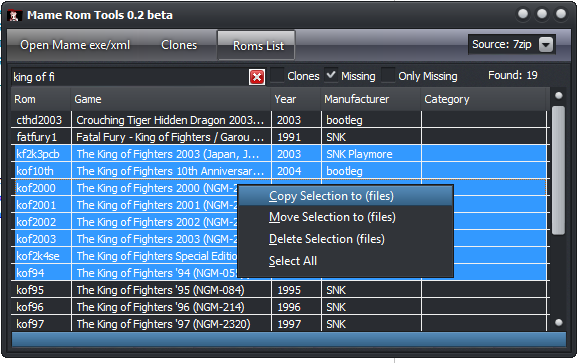
Little tool to manage mame rom clones and quickly copy a filtered selection of roms by categories, manufacturer etc. Made it when I couldn’t find an easy/simple way to delete the clones files. With this you can very easily move the unneeded roms out or delete them.
“How’s it better than RomCenter” and similar apps?”
Download “Mame Rom Tools”
MameRomTools.zip – Downloaded 20780 times – 1.49 MB
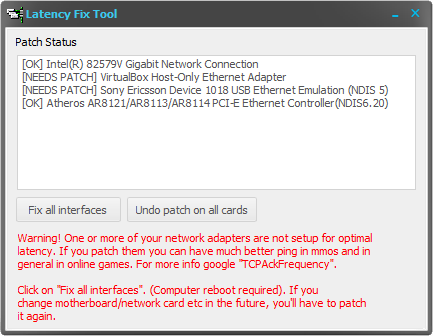
Uploaded a new version of my latency fix tool, with additional checks on things it can improve over other tools like Leatrix.
Recently one of my websites that was around for more than a year was blocked/removed by dot.tk, I was using a free TK domain to host a little free app I had been developing. Suddenly and out of nowhere.. yesterday I find the site has been blocked and it redirects to a subpage on dot.tk saying it has been removed due to abuse or copyright abuse, and no further info. I didn’t get an email or anything at all about it. The site had nothing but a small wordpress blog similar to this, so I have no clue what triggered such actions.
So I decided to move all the sites I had on .tk domains elsewhere, I don’t have a single bit of trust on the reliability of those domains, bye bye.
myimgur.tk will now reside at http://myimgur.eden.fm/
Seems I’m not the only one: http://labby.co.uk/2011/09/dot-tk-web-address-cancelled-due-to-abuse-and-copyright-infringement-bullshit/
Little tool to improve latency in online games. It does mostly the same as famous Leatrix, but a single exe without all the bloat 🙂
Download:
[download#15#format=1]
[download#16#format=1]
3.0 – June 22, 2012
Tiny Uploader has moved to http://myimgur.tk/
Recent Comments