EXE · 7.9 MB · v1.02
122 downloads
EXE · 7.9 MB · v1.02
122 downloads
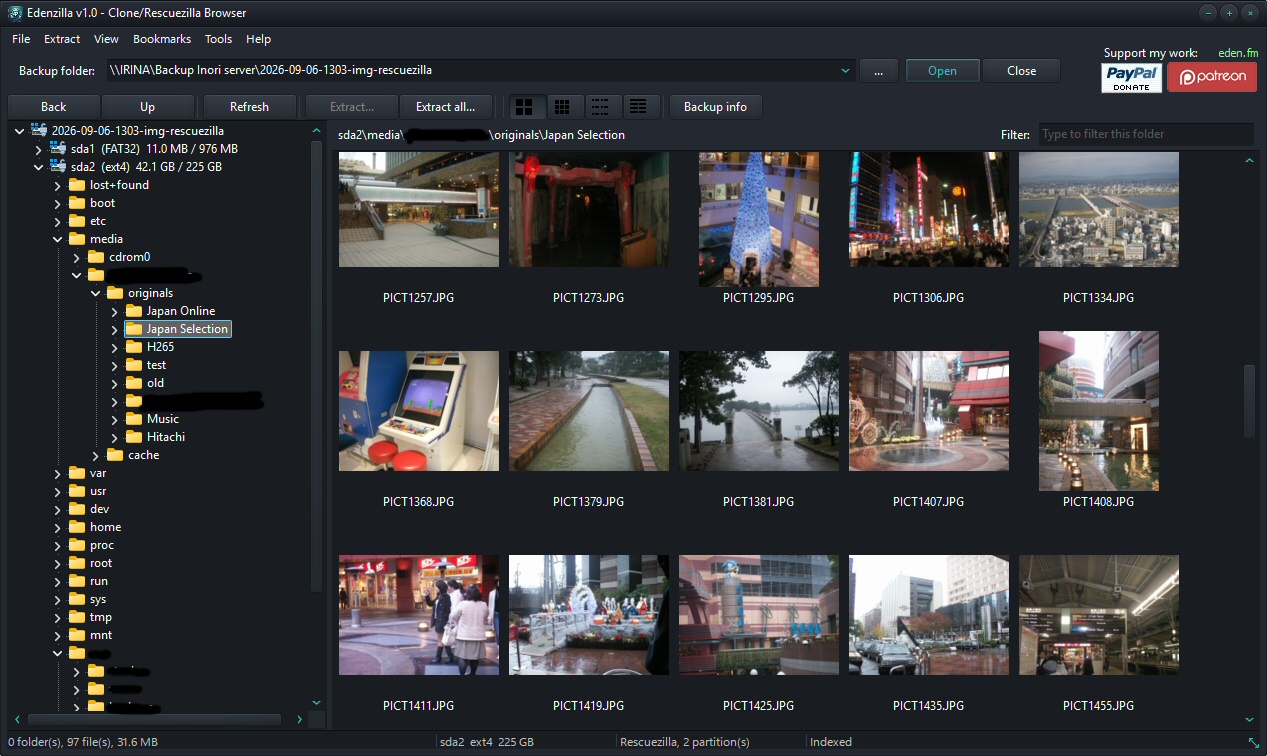
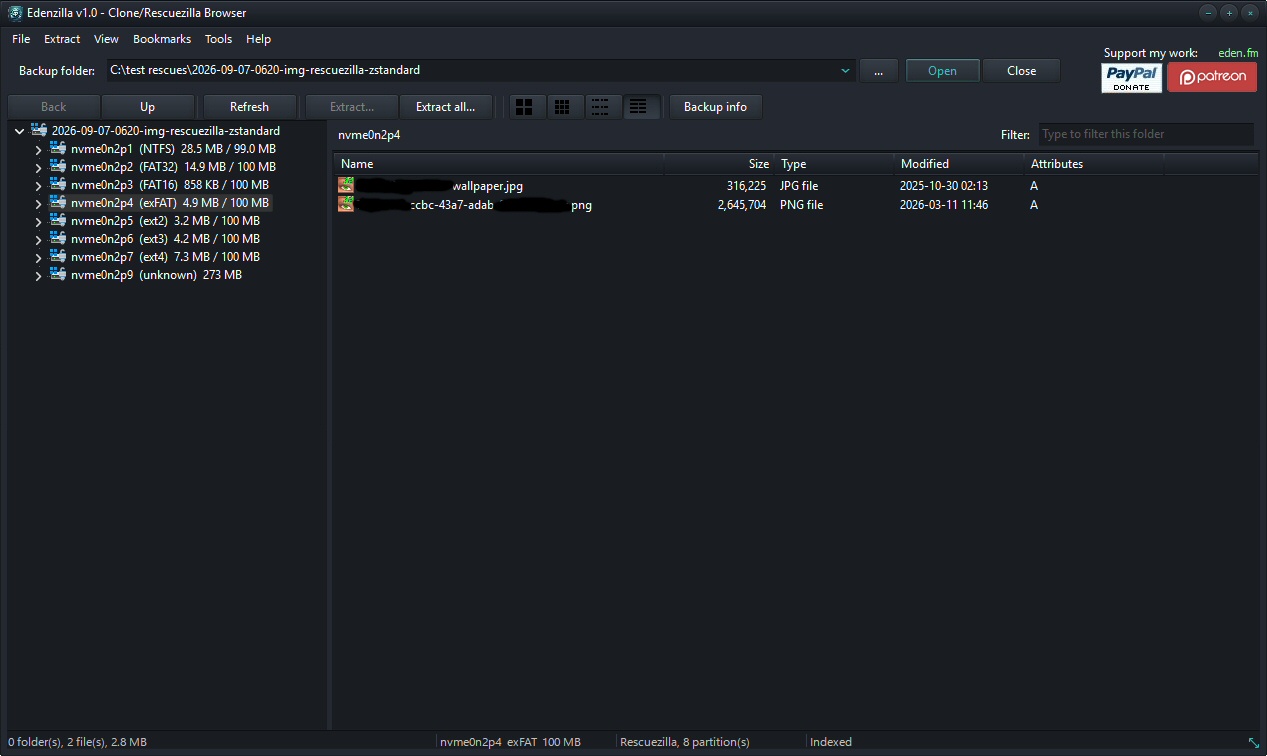
Edenzilla is a native Windows backup browser for Clonezilla and Rescuezilla images. Browse your backups, navigate their files and extract exactly what you need — without restoring the image or mounting the backup.
Edenzilla can also open standalone disk image files directly, making it useful for browsing and extracting files from a wide range of backup and disk-image formats.
Everything is handled natively.
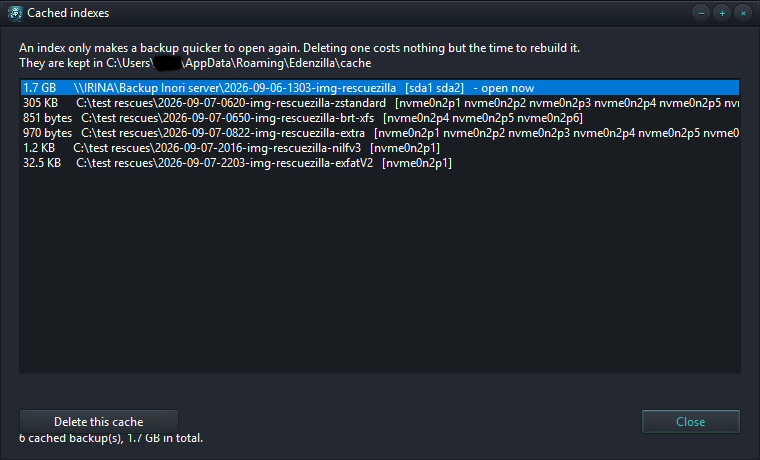
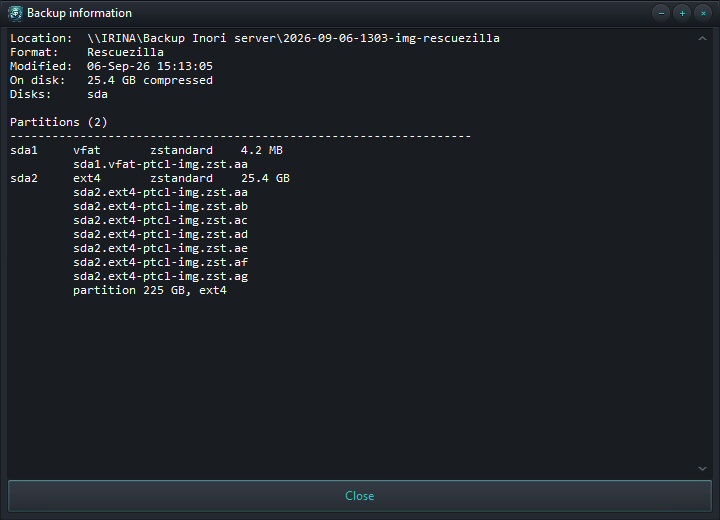
Split image volumes are rejoined, compressed streams are decoded and indexed for random access, partclone containers are unwrapped, and the filesystem inside is read directly.
No drive is mounted. No filesystem driver is installed. No external program is required.
Features
| Filesystems | Compression | Containers | Image Files |
|---|---|---|---|
|
|
|
|